Real Estate QuickBooks CleanupHow to move through these pages
The menu, the forms, and the pictures are built to be used with a keyboard, a phone, or a reader, and this page says how.
Ask for a format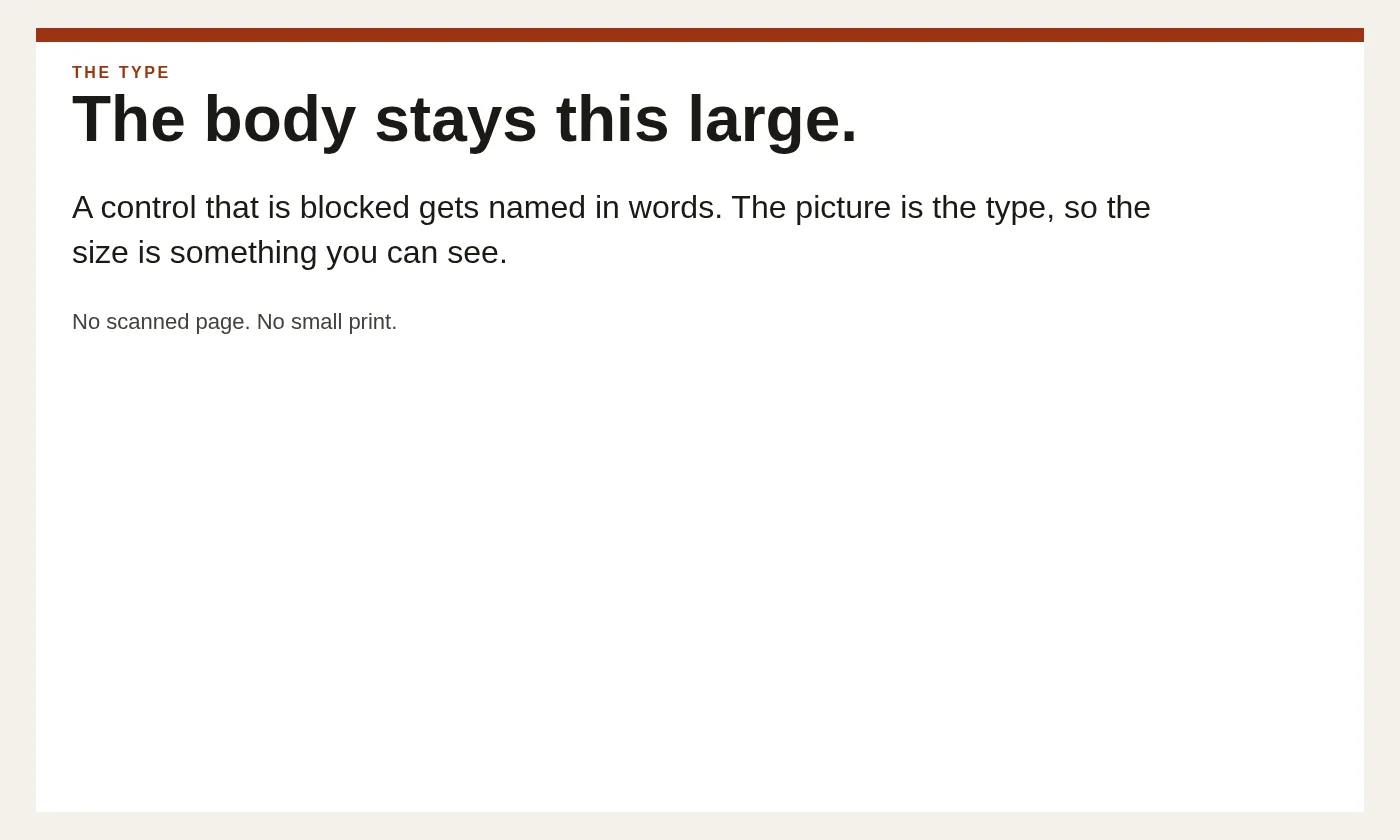
The menu, the forms, and the pictures are built to be used with a keyboard, a phone, or a reader, and this page says how.
Ask for a formatA skip link is the first stop on every page. It jumps to the main column. The menu is a disclosure. On a phone it stays closed until you open Menu. On a wide screen the links stay in a row. Each link and each button is at least forty-four pixels tall.
The six rows about a misread deposit open with Enter or Space. The answer sits under the row you opened. Nothing moves the page until you do that on purpose. The calendar on the booking page stays unloaded until you use the button above it.
Pictures have text alternatives that name the object, not a slogan. Decorative marks are hidden from the reader. Form fields have labels you can hear, including the phone field and the note field. The focus ring is a dark outline, not a color change alone.
Body type is eighteen pixels. The column is kept narrow enough that a line does not run the full width of a large screen. We do not use a tan page. Text is dark on white.
Call +1 844-324-7273 and name the page. We will read it to you, take the note by phone, or send the same explanation in a form you can use. A barrier on one page is a fix for that page, not a reason to abandon the closing question.
Motion is reduced when your device asks for that. The reel does not snap, and the tiles do not lift, when that setting is on.
Services on this site are provided by Steven Palmieri, Dallas, Texas.